Scheduling  ·  Step 2: Hold your team to it

A schedule your team can’t say they didn’t see.

Shifts, swaps, time-off, and open shifts — built around your positions and locations, acknowledged by your staff.

  • Build weeks in minutes
  • Swaps without the group text
  • Coverage you can verify
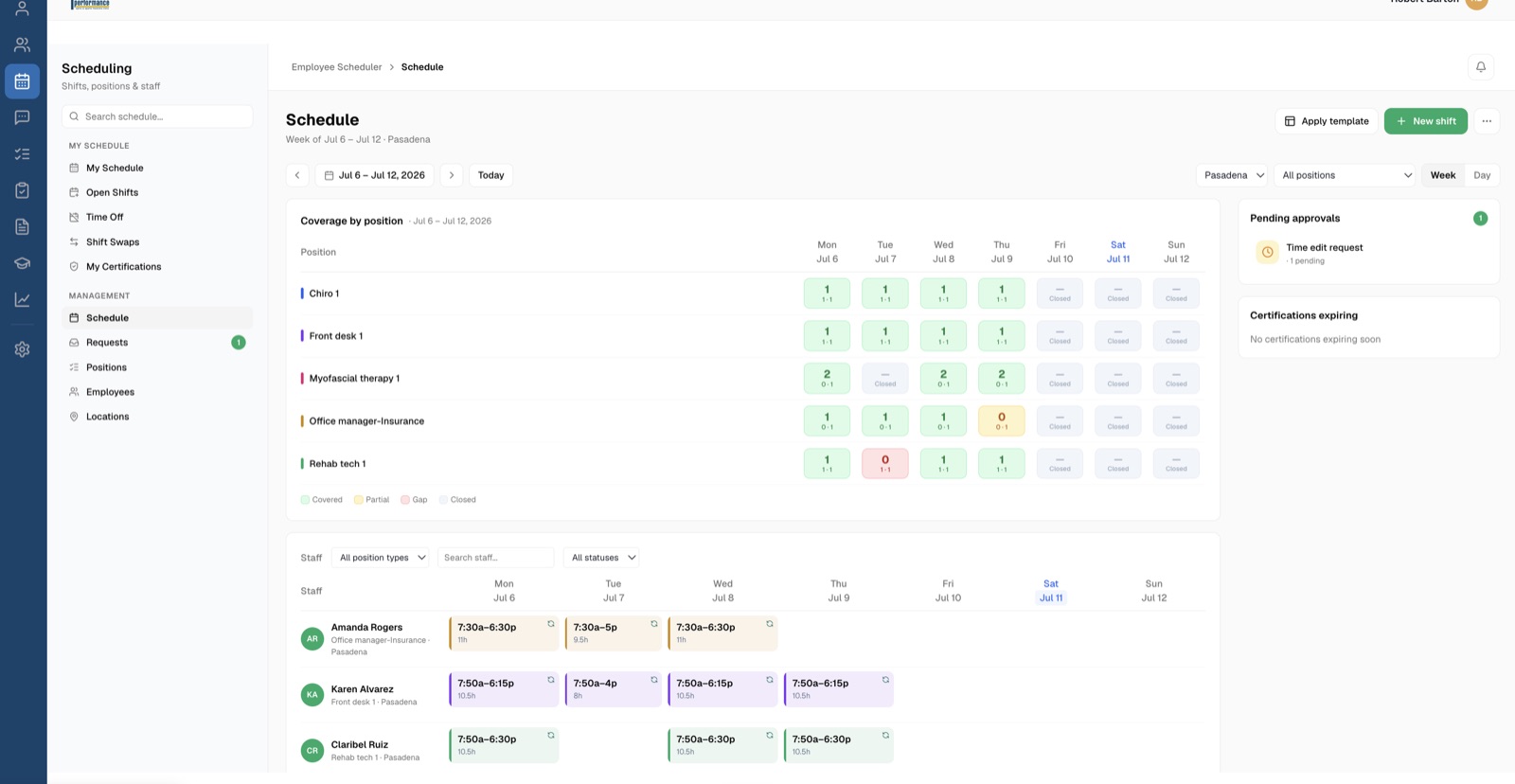
Scheduling — coverage by position with pending approvals
Coverage by position, at a glance.
The Office Automated system

Every module does one of three jobs.

Scheduling is where the standard gets held on who’s in the building.

Without it

The schedule is a spreadsheet. Changes travel by text.

You build it Sunday night, print it Monday, and it's wrong by Wednesday. Swaps happen in a group text you're not in.

Friday's coverage gap is a surprise you discover Friday morning — with a full waiting room.

Friday's coverage is a surprise you discover Friday morning.
The schedule a spreadsheet
Changes the group text
Shift swaps “figure it out”
Time-off requests a note on your desk
Friday coverage a surprise
What you get

Built in minutes. Covered on purpose.

Build weeks in minutes, not evenings

Shift templates and recurring series lay down the routine; you only touch the exceptions.

Swaps without the group text

Staff request trades with each other inside the system; you approve or decline with the full picture in front of you.

Coverage you can verify

Set minimum and optimal staffing per position and day, see the gaps, and post open shifts for pickup.

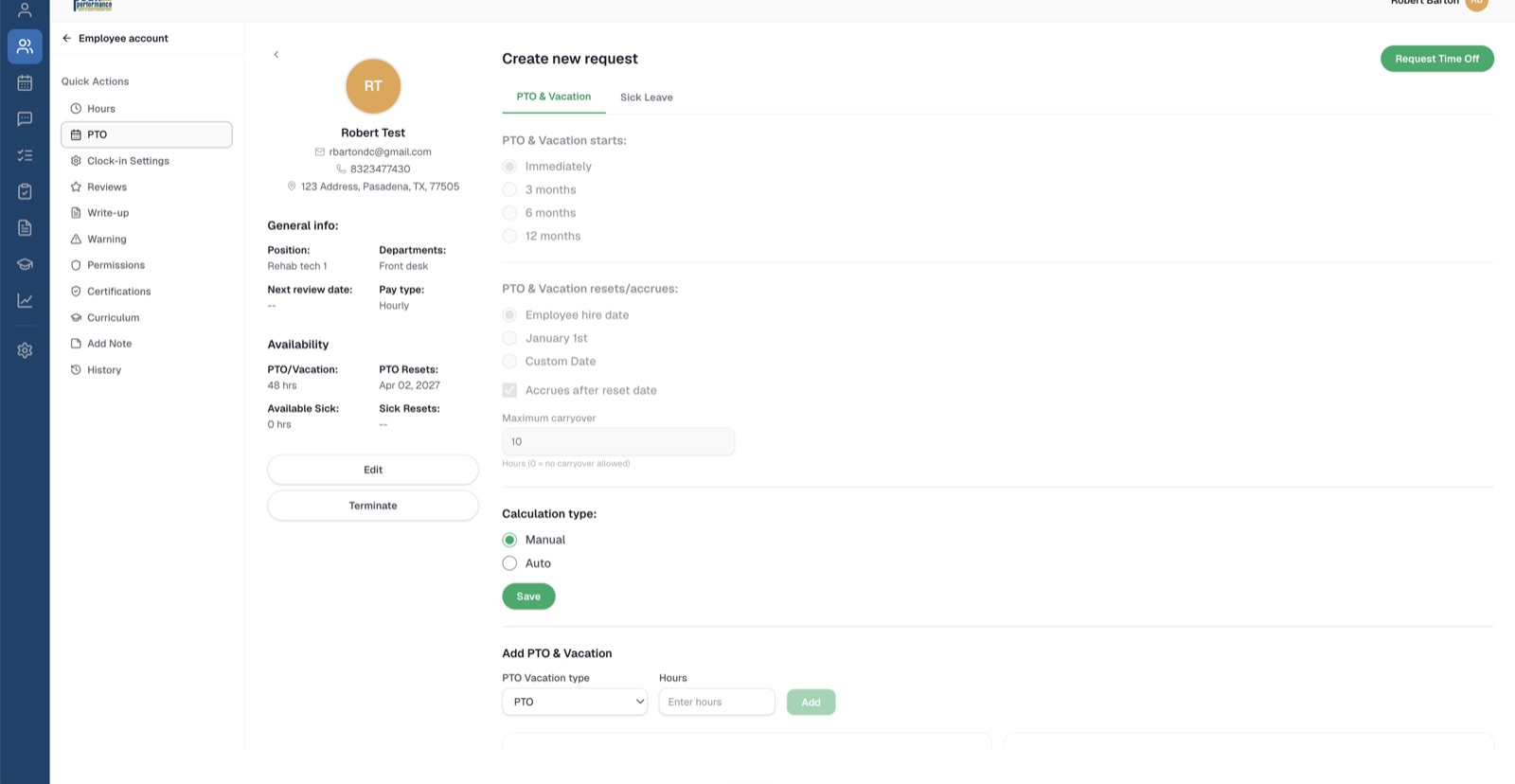
Time off with a paper trail

Requests, approvals, and hours-per-day — recorded, not remembered.

Everything in the module

From templates to swap approvals.

Where it fits

Scheduled shifts meet the time clock.

The schedule says who should be in the building; HR & Time records who actually was — clock-ins, breaks, and hours, ready for payroll.

Next: HR & Time →
HR & Time — the employee file
★★★★★
Testimonial slot — a practice owner on getting scheduling out of the group text.
— Name, Practice
Placeholder — collecting customer quotes now.

Next week's schedule in minutes.

Book a demo and we'll show you scheduling working on a real practice setup — and tell you honestly whether it fits how you want to run your office.